
Built for organic growth, with publishing on autopilot, using the AI you already have.
One post becomes your blog plus Dev.to, your LinkedIn profile, Bluesky and more, all pointing back to your site, so search and AI assistants can find you.
Connect Claude, Claude Code or Cursor once. Your assistant then drafts, schedules and publishes for you, and you see what worked.
Works in Claude, Claude Code, Cursor or any MCP client
You: Publish my launch post to my blog and share it everywhere.
Assistant: Published on yoursite.com first
- Dev.to, links back
- Hashnode, links back
- LinkedIn profile, links back
- Bluesky, links back
- Mastodon, links back
- X (your own keys), links back
Everything points back to yoursite.com.
You: Write blog posts for the next 2 weeks and schedule them.
Assistant: Drafted 4 posts. Scheduled:
- Mon 6 Oct: Why we built it
- Thu 9 Oct: Three tips for founders
- Mon 13 Oct: Customer story
- Thu 16 Oct: What's next
Each one goes to yoursite.com first, then your channels.
Scheduling: Pro and Team
You: How did last week's posts do?
Assistant: Example
- yoursite.com: 400 views, 90 clicks
- LinkedIn profile: 150 views, 20 clicks
- Dev.to: 100 views, 15 clicks
Most readers came back to yoursite.com.
AGENT
Claude Code
Claude.ai
Cursor
or any MCP client
- yoursite.comoriginal, publishes first
- Dev.to & Hashnodelinks back
- LinkedIn profilelinks back
- Bluesky & Mastodonlinks back
- X (your own keys)links back
Why post in more than one place
Each cross-post links back to your site, giving search engines and AI assistants more places to find your work.
How it works
Three steps
Write at the source
Whether it runs in Claude Code, Claude.ai or Cursor, your agent talks to the scatterpost MCP server directly, in the conversation you already write in.
remote MCP connector, or stdio via npxPublish to the original
scatterpost publishes to your own website first and reads back the URL it published at. That URL goes into every cross-post, so search engines can tell your site is the original.
your site set before any cross-postCoordinated distribution
Dev.to, Hashnode, your LinkedIn profile, Bluesky, Mastodon and X each get a format suited to the platform, with that URL already carried over.
up to 6 live channels, 3 comingSyndication destinations
Where it publishes
Unlimited channels on Pro and Team; plans are gated on scheduled posts, not on how many you connect.
Publishes first, over a webhook your site exposes. The URL it reads back is what every cross-post points to.
 Dev.tolive
Posted through the Dev.to API with canonical_url set to your website's URL.
Posted through the Hashnode API with the republished-from field set to your website's URL.

 LinkedIn profilelive
Posted as a text update with a link back to your site when your site is connected.
Posted via the AT Protocol as a single post with the composed text and a link back, truncated at a word boundary to fit.

 Mastodonlive
Posted to your instance via the Mastodon API as a single post with the composed text and a link back, truncated at a word boundary to fit.
Posted using your own X API keys, split into a thread when the article runs long. X charges for API access on its own side; scatterpost does not add a markup.
Not available yet, planned for a future release.
LinkedIn Page: Posting to company Pages needs LinkedIn to approve scatterpost. Until then, post from your profile and reshare to your Page.
scatterpost prepares the post and checks the community's rules; you post it yourself.
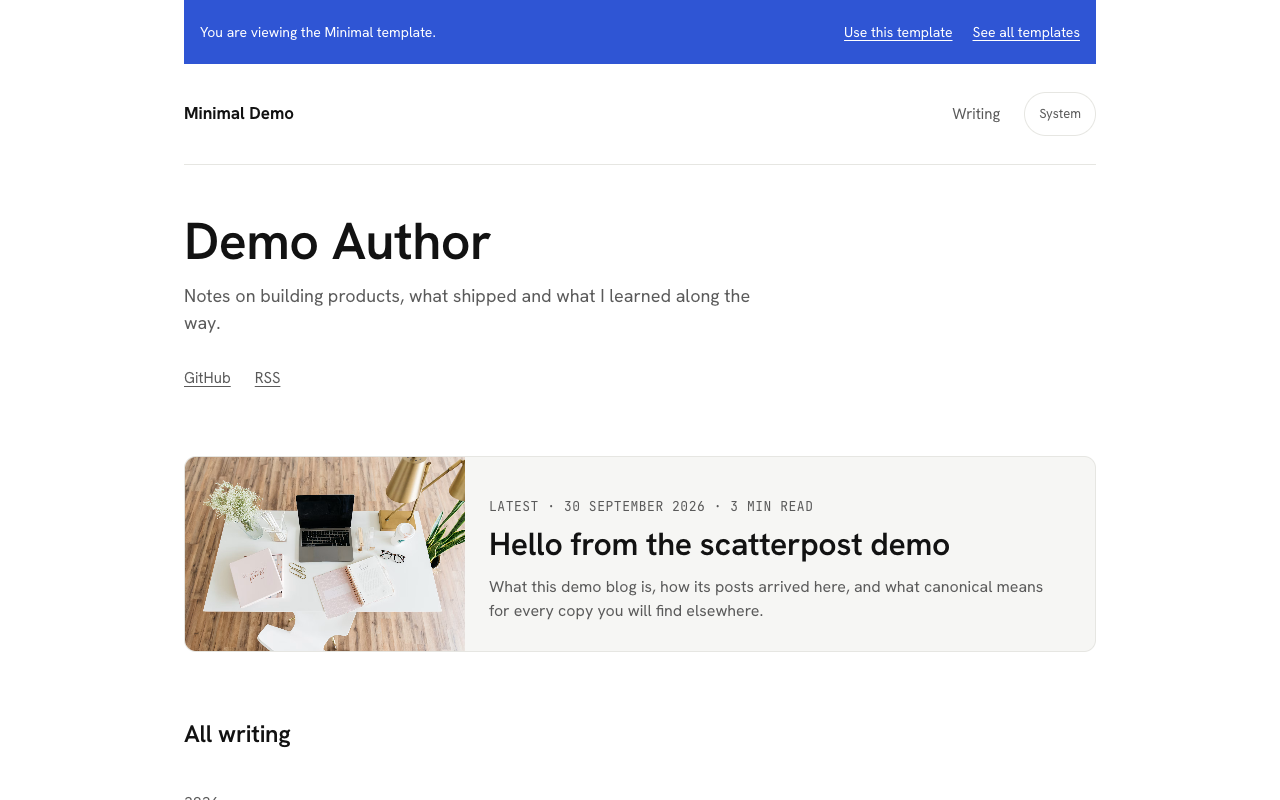
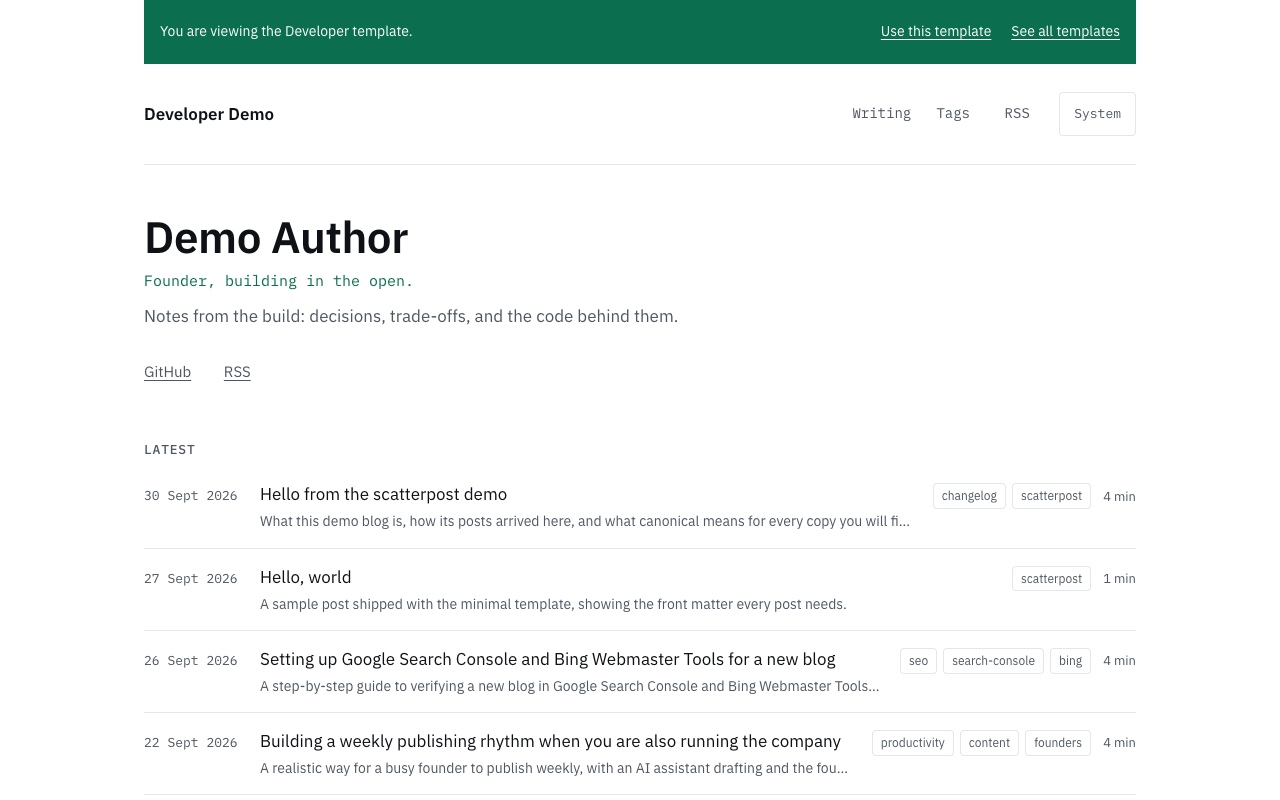
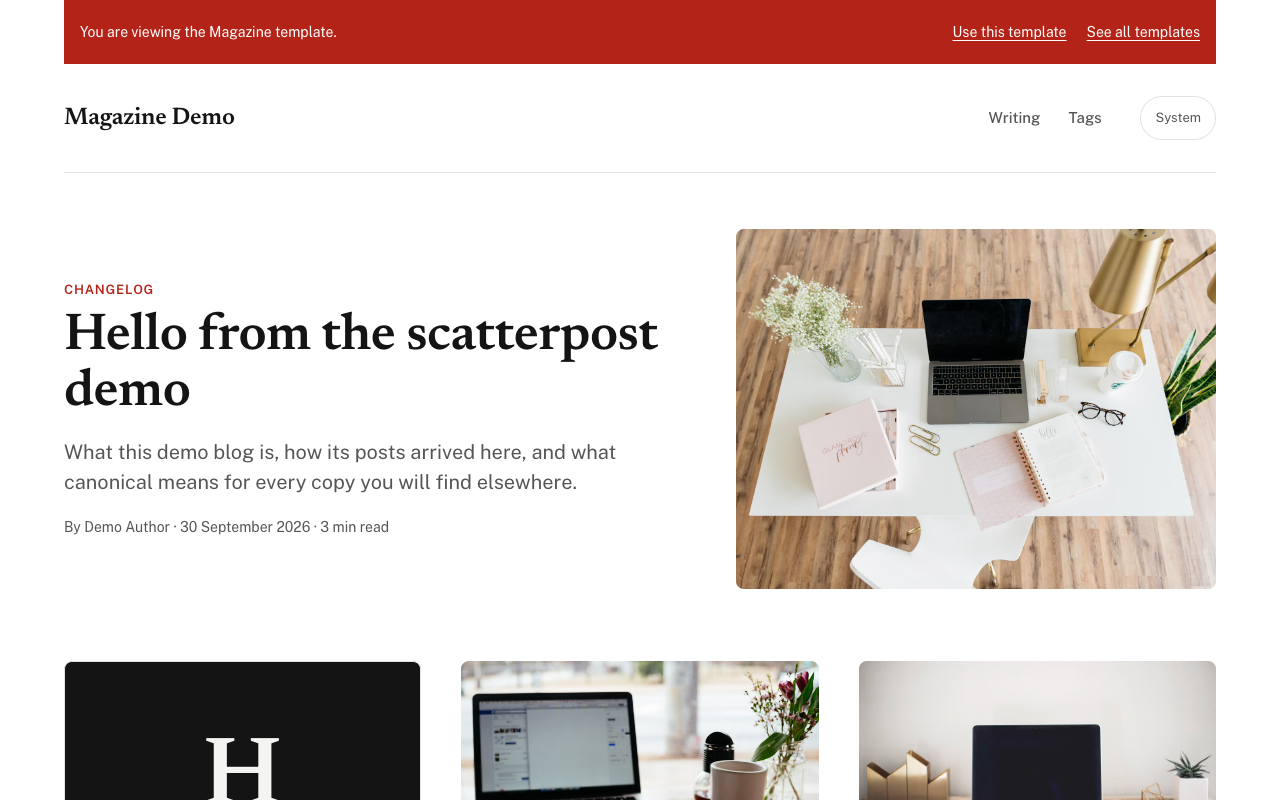
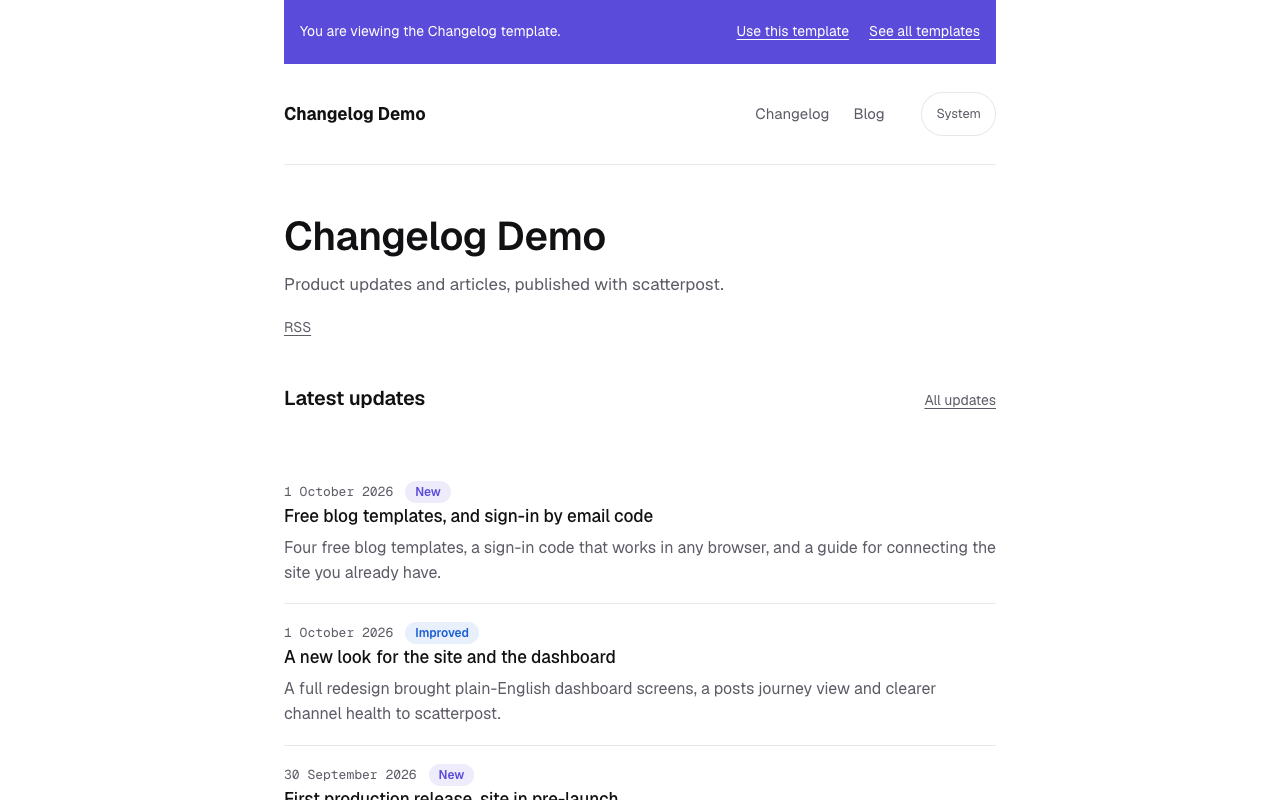
No blog yet? Start from a template
Four ready-made blogs, pre-configured for AI and search, so you skip the setup and start publishing. Pick one, deploy it to your own Vercel account, and customise anything.
Ready for your AI agent
scatterpost can publish to it from Claude, Cursor or any MCP client as soon as you paste in one secret. No webhook code to write.
Easy for AI assistants to read
Every post ships with structured data and an llms.txt file, so AI assistants can understand and quote your writing.
Set up for search
Sitemap, RSS feed, canonical links and social preview images come built in. Add a key and new posts ping IndexNow too.
Yours to own and change
Your domain, your Vercel account, MIT licence. Light and dark mode and a cookie consent banner are already done.
MCP server for AI agents
Connect your AI assistant in one minute
Give your AI agent an API key and it can write, publish and report back without leaving the chat you already use.
You: Write a blog post about our new features and publish it everywhere.
Assistant: Drafted: “Three features worth telling founders about”
- Published on yoursite.com first
- Dev.to, links back to your site
- Hashnode, links back to your site
- LinkedIn profile, links back to your site
- Bluesky, links back to your site
Works in Claude, Claude Code, Cursor or any MCP client
Create an API key in scatterpost: Settings, API keys and apps.
Paste this into Claude Code, with your key in place of PASTE_YOUR_KEY_HERE:
PromptInstall the scatterpost MCP server for me. Run: claude mcp add scatterpost -e SCATTERPOST_API_KEY=PASTE_YOUR_KEY_HERE -- npx -y @scatterpost/mcp and replace PASTE_YOUR_KEY_HERE with my key, then confirm the scatterpost tools are available.
Or run it yourself in a terminal:
Commandclaude mcp add scatterpost -e SCATTERPOST_API_KEY=PASTE_YOUR_KEY_HERE -- npx -y @scatterpost/mcp
Create an API key in scatterpost: Settings, API keys and apps.
Paste this into Cursor's chat, with your key in place of PASTE_YOUR_KEY_HERE:
PromptAdd this MCP server to Cursor's mcp.json: {"mcpServers":{"scatterpost":{"command":"npx","args":["-y","@scatterpost/mcp"],"env":{"SCATTERPOST_API_KEY":"PASTE_YOUR_KEY_HERE"}}}} and replace PASTE_YOUR_KEY_HERE with my scatterpost API key, then confirm the scatterpost tools are available.
Or add it to mcp.json yourself:
mcp.json{ "mcpServers": { "scatterpost": { "command": "npx", "args": [ "-y", "@scatterpost/mcp" ], "env": { "SCATTERPOST_API_KEY": "PASTE_YOUR_KEY_HERE" } } } }
In claude.ai, open Settings, Connectors, Add custom connector.
Paste the connector URL:
Connector URLhttps://app.scatterpost.io/api/mcp/mcp
Sign in to scatterpost when asked.
Pricing
Unlimited channels on Pro and Team
No VAT is added.
- ✓1 workspace
- ✓3 connected channels
- ✓5 scheduled posts a month
- ✓Unlimited channels and posts
- ✓Scheduling with local-time slots
- ✓Analytics
- ✓Everything in Pro
- ✓3 seats included, then £10 a seat
- ✓Approval workflow
Stop pasting articles across tabs.
Connect scatterpost to your agent, publish to your own site first, and cross-post everywhere else with a link back to the original.
Get started